Jailbreaking Manager
If you have a Kindle below firmware 5.16.3, move on to Getting KOReader. The Jailbreaking Manager does not support your device.
Jobman is a jailbreaking manager developed by the KindleTweaks team.
It allows you to:
- Manage the blocking, and unblocking of updates
- Update the jailbreaking environment if necessary (note that this is rarely needed, but can be useful)
- Tell you your battery health (coulomb counting)
- Run SSH over USB and Wi-Fi
- Can enable recovery on boot (if you choose to), potentially mitigating bricks.
Reboot
If you have just jailbroken, and have not yet rebooted, Reboot Now.
After this, ensure Wi-Fi is enabled on your device.
Update Sources
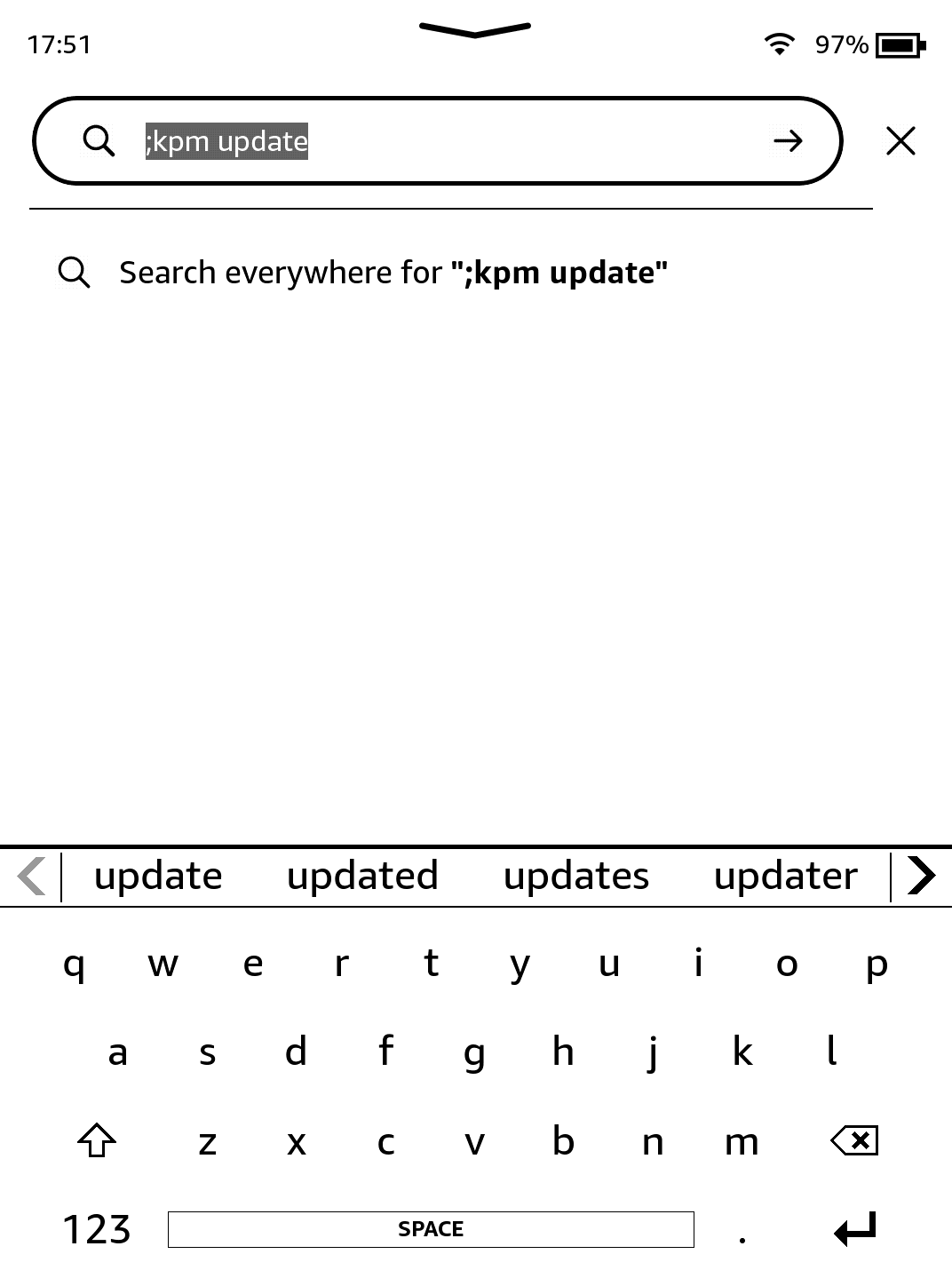
Run ;kpm update in the searchbar on the homescreen (and press return/enter).
You will see some text at the top of the screen, before you're returned to the homepage.
Install
Now, run ;kpm install jobman in the searchbar.
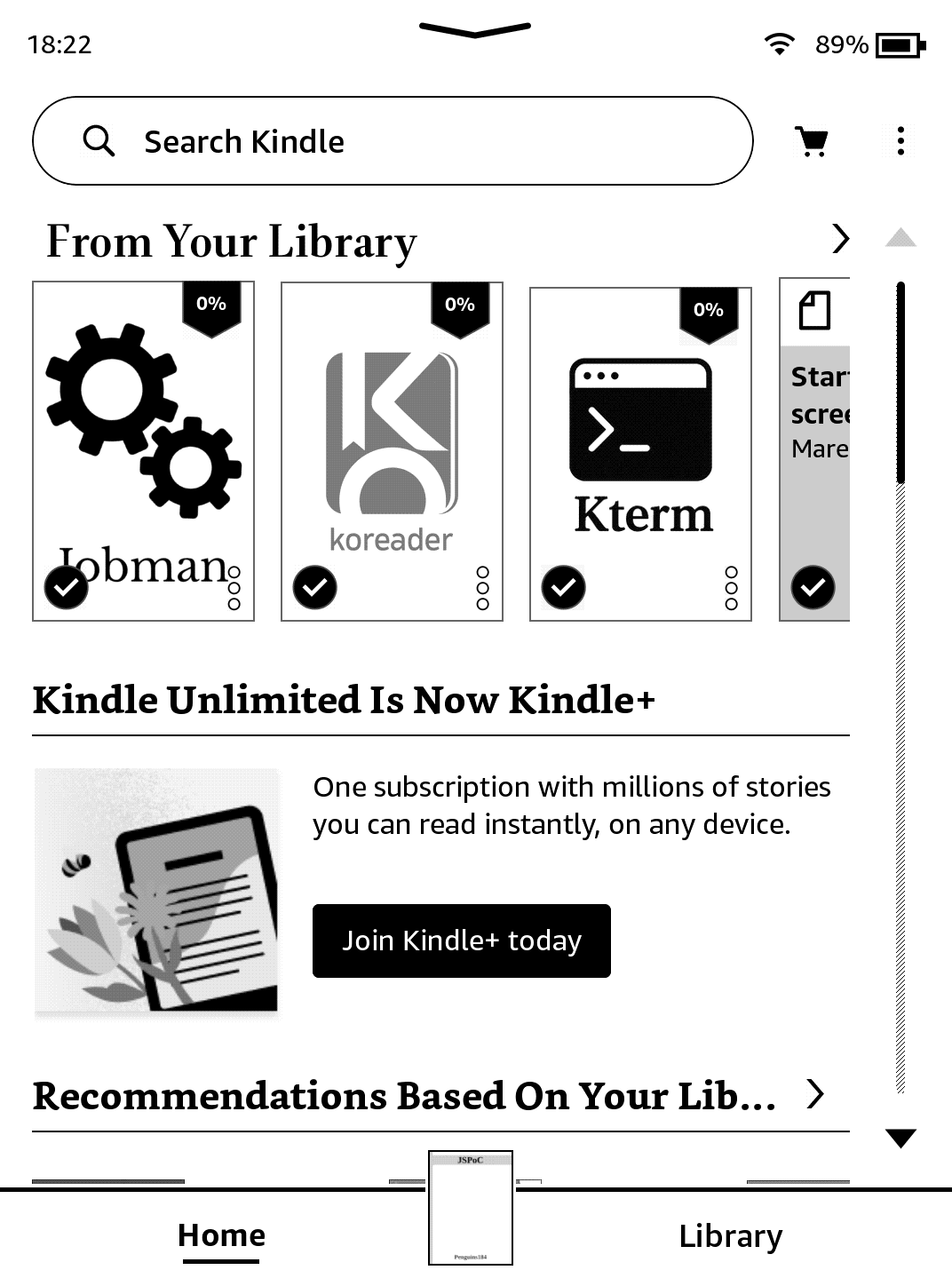
Wait a few moments, you'll be returned to the homescreen and a new Scriptlet will have appeared (the icon may not instantly appear).
Run!
Click on it, and Jobman will run! Alternatively, you can also run ;kpm launch jobman to use it.
Psst!
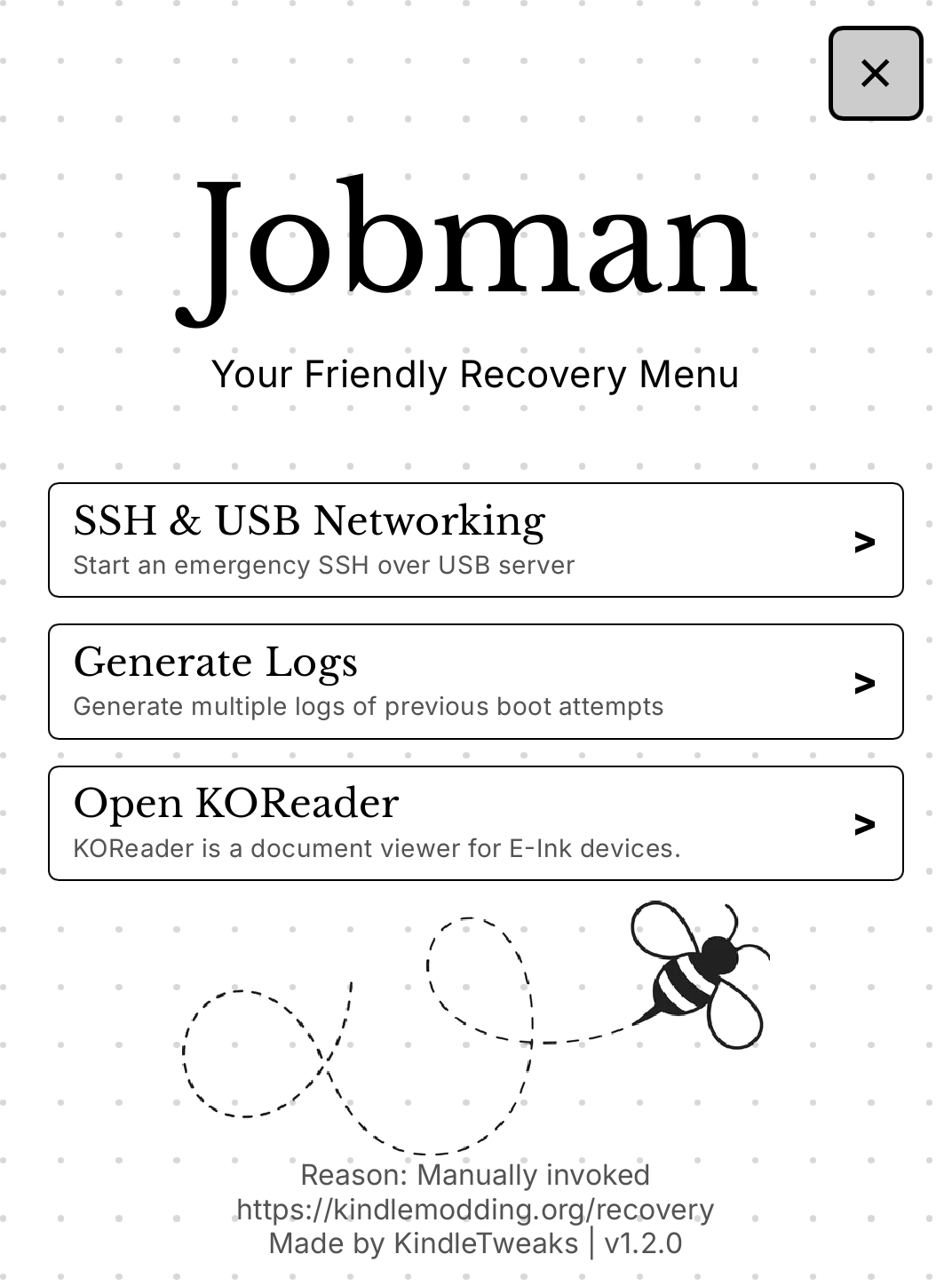
This is an image of jobman recovery. If you'd like to install it or learn more, head over here. This is entirely optional, and keep in mind recovery mode is highly experimental!
Uninstallation
If you ever wish to uninstall it, simply run ;kpm uninstall jobman (this will also uninstall recovery, if enabled). Simple!
All KPM packages are installed in this way. You'll see almost exactly the same thing when you get onto installing KOReader.