Getting KOReader
KOReader is a document viewer for E-Ink devices. Supported formats include EPUB, PDF, DjVu, XPS, CBT, CBZ, FB2, PDB, TXT, HTML, RTF, CHM, DOC, MOBI and ZIP files.
This package is being installed from the official KindleModding KPM repository, repo.kindlemodding.org.
Reboot
If you have just jailbroken, and have not yet rebooted, Reboot Now.
After this, ensure Wi-Fi is enabled on your device.
Update Sources
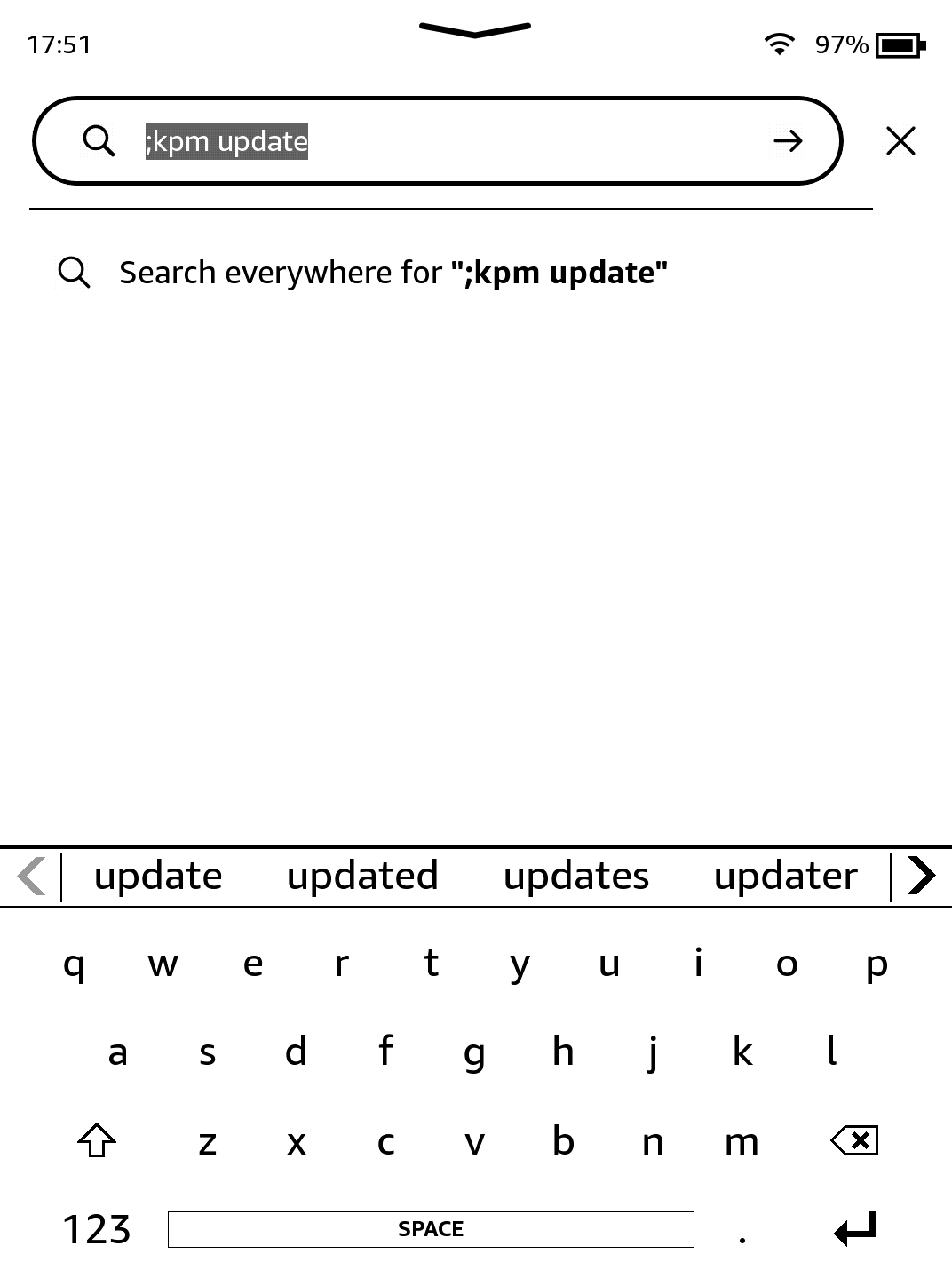
Run ;kpm update in the searchbar on the homescreen (and press return/enter).
You will see some text at the top of the screen, before you're returned to the homepage.
Install
Now, run ;kpm install koreader in the searchbar.
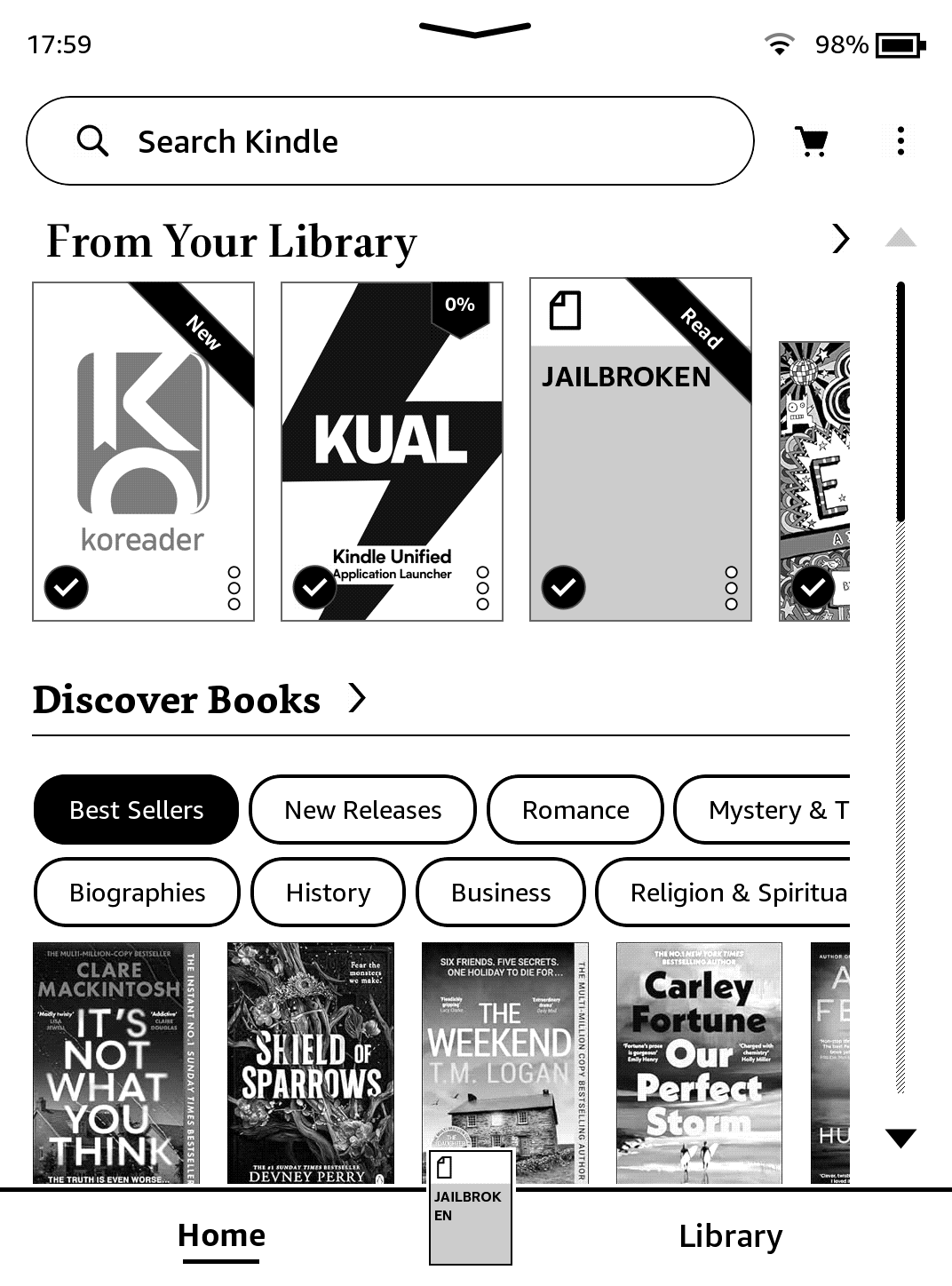
Wait a few moments, you'll be returned to the homescreen and a new Scriptlet will have appeared (the icon may not instantly appear).
Run!
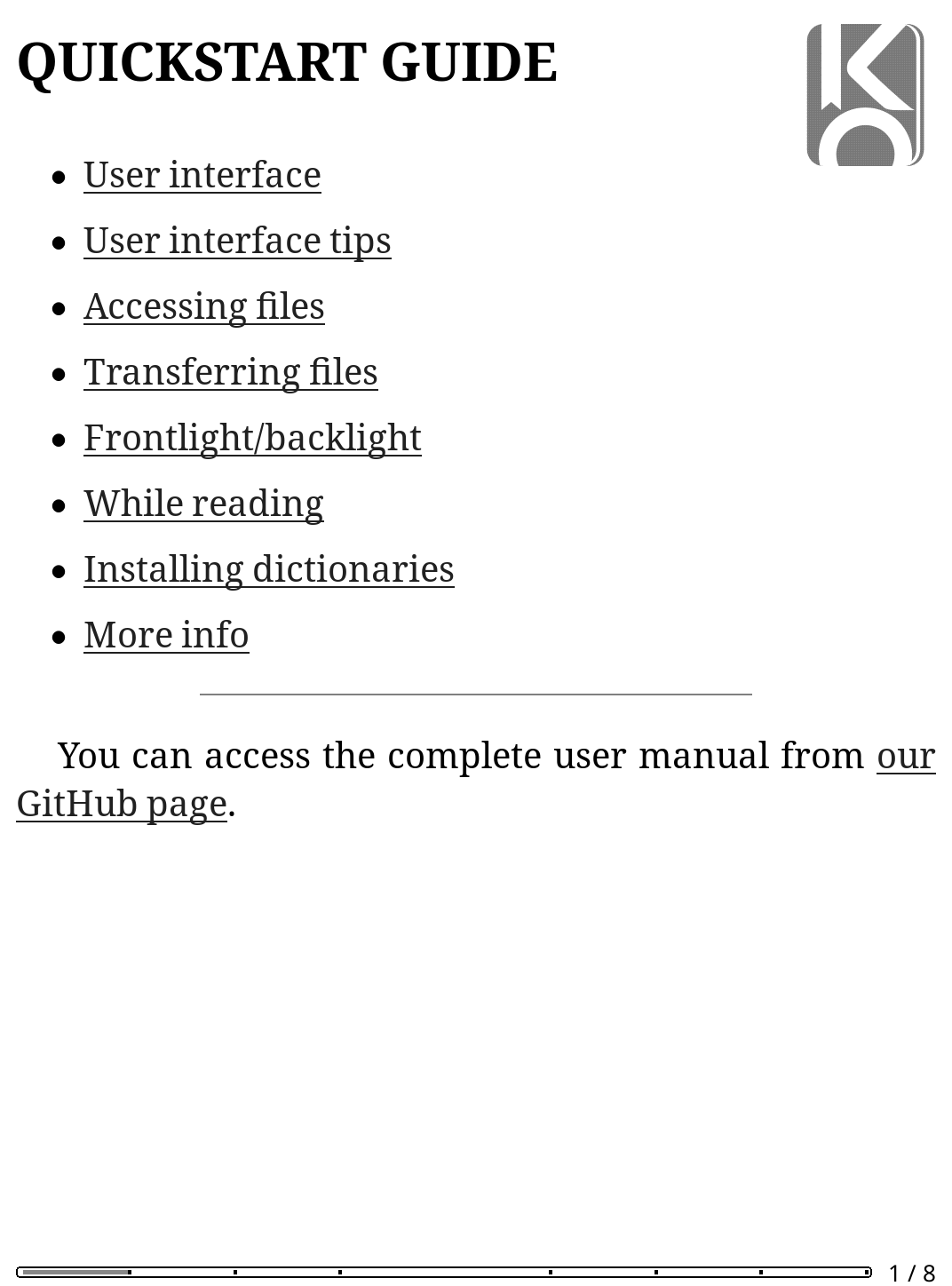
Click on it, and KOReader will run!
Alternatively, you can also run ;kpm launch koreader to use it.
Uninstallation
If you ever wish to uninstall it, simply run ;kpm uninstall koreader. Simple!
All KPM packages are installed in this way.