WinterBreak2
Any sufficiently advanced technology is indistinguishable from magic.
- Arthur C. Clarke
WinterBreak2 is a browser-based jailbreak created by Scam.Net and Penguins184.
Prerequisites
- A PC, Cable, Kindle.
- Unzipping Software (E.g., 7-Zip)
- A supported model and firmware, as you have been led here by the Jailbreaking Wizard.
- You have read this overview and filled the device, if applicable
- A Wi-Fi connection.
If you face any difficulty in following these guides, please navigate to the troubleshooting section, and/or make a ticket in the KindleModding Discord support forums/Community Reddit.
Installation Guide
Before Jailbreaking...
Jailbreaking often involves connecting to the Internet. Before beginning any jailbreaking process, please remember to fill up your Kindle as to avoid ruining the jailbreak mid-process. Additionally, please ensure you have read this before you start.
If you have done the above, please commence to the next step.
Download the latest WinterBreak2 release:
Extract WinterBreak2 to your Kindle
Plug your Kindle into your computer
Extract the contents of wb2.zip to the root of your Kindle's storage
You should see the winterbreak2 folder on the Kindle's root
Eject & Connect to Wi-Fi
Safely eject the Kindle from your computer
Make sure your Kindle is connected to a Wi-Fi network
Open the Experimental Browser
On your Kindle, open the Experimental Browser
You can find it under: Menu → Experimental Browser (or Settings → Device Options → Advanced → Experimental Browser depending on your firmware)
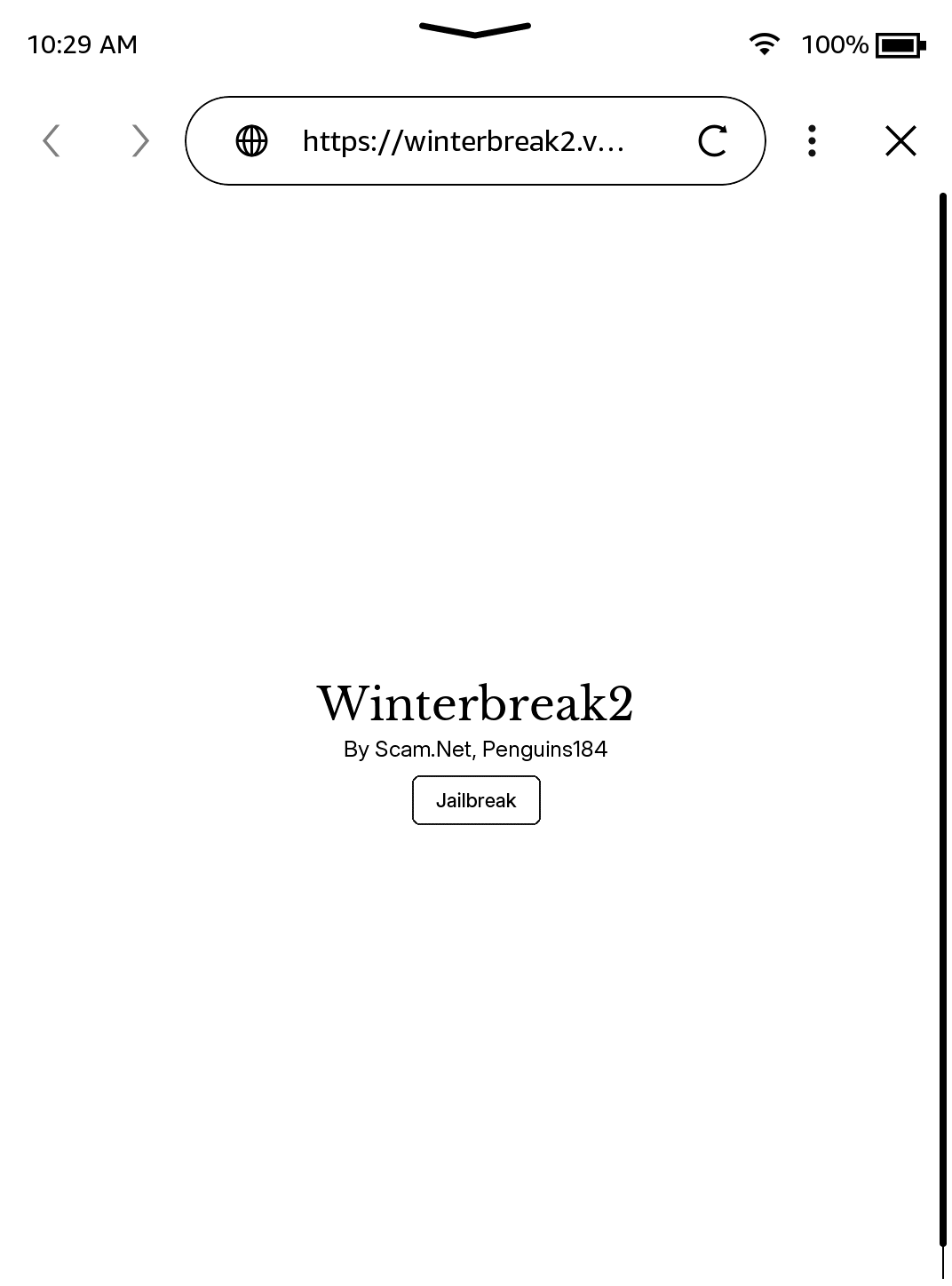
Navigate to the following URL (May not look identical):
https://penguins184.xyz/wb2
Run the Jailbreak
Press the Jailbreak button on the page
A dialog will open and the jailbreak process will begin
Wait for the process to complete
After Jailbreaking...
Commence to the What's Next section to read about installing scriptlets, homebrew, and KOReader.
Read the whole section thoroughly.
Before you do this, also remove any existing update files with a
.bin extension, if they exist in the Kindle's root.Have fun! :)
Troubleshooting
The Experimental Browser won’t load the page
- Make sure your Kindle is connected to Wi-Fi and has internet access
- Try typing the URL carefully:
https://penguins184.xyz/wb2 - Reboot your Kindle and try again
The jailbreak button does nothing
- Ensure you have correctly extracted the
wb2.zipcontents to the root of your Kindle - Verify the
winterbreak2folder is on the Kindle’s root directory - Reboot and try again
Still having issues?
If WinterBreak2 is not working for you, and your firmware is below 5.16.4, try the original WinterBreak method instead (requires Amazon registration).
Credits
- Scam.Net - Concept, Discovery
- Penguins184 - Server, Host